.svg)
Plan your warehouse lighting with ease! Input dimensions and preferences to get fixture counts, energy use, and layout tips tailored for you.

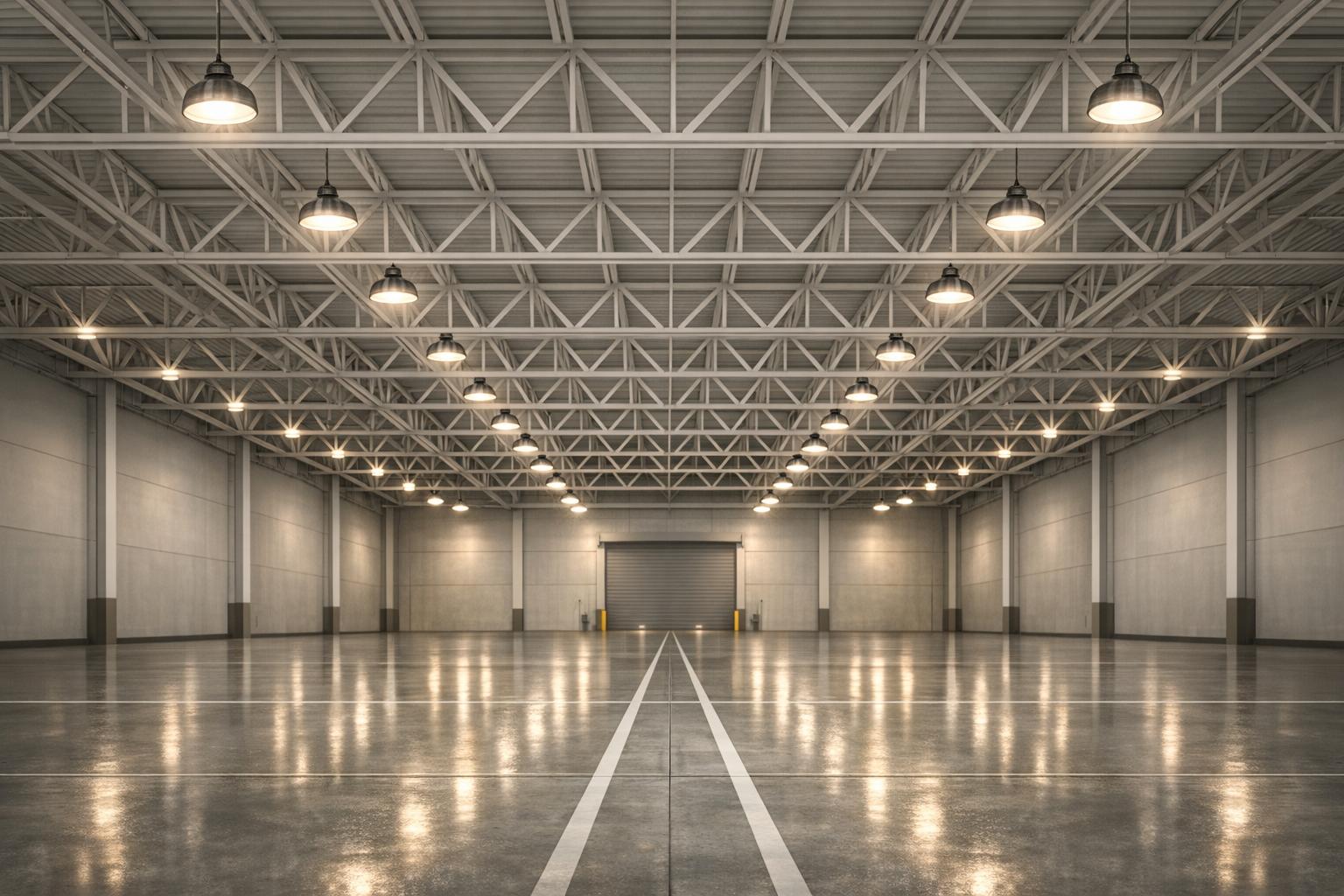
Running a warehouse means juggling a lot of details, and lighting is one of those things that can make or break efficiency. Poorly lit spaces lead to mistakes, safety hazards, and frustrated workers, while overdoing it can spike your energy bills. That’s where a smart lighting layout tool comes in handy. It lets warehouse managers map out the perfect setup by factoring in room size, task requirements, and fixture preferences.
Good illumination isn’t just about slapping up some bulbs—it’s about strategic placement and balance. A well-planned design ensures every corner gets the right amount of light for the job, whether it’s forklift navigation or inventory checks. By using a tool to calculate fixture needs and spacing, you’re not just guessing; you’re building a system that supports productivity. Plus, with options to input specifics like mounting height or LED choices, you can tailor solutions that save energy without sacrificing quality. If you’ve been putting off a lighting overhaul, now’s the time to plan smart and see the difference.
It depends on the tasks happening in your space. For general storage, 20-30 foot-candles (or about 200-300 lux) often works well, while detailed work like assembly might need 50-75 foot-candles. Our tool offers default suggestions based on common warehouse activities, but you can tweak the numbers to match your specific needs. If you’re unsure, start with the defaults and adjust based on how the space feels once lights are up.
Absolutely! By calculating the exact number of fixtures and total wattage based on your dimensions and fixture type—like energy-efficient LEDs—it helps you avoid over-lighting. You’ll see estimated energy use upfront, so you can experiment with different setups to find a balance between brightness and efficiency. It’s a practical way to keep operating costs down while meeting safety standards.
Our planner assumes a rectangular space for simplicity, so irregular shapes or obstacles like shelving might need some manual tweaks. Use the tool to get a baseline layout and fixture count, then adjust spacing or add extra lights in tricky areas based on your on-site judgment. If you’ve got a really complex setup, consider marking zones with different light needs and running the tool for each section separately.


